Artificial intelligence is no longer something that only lives inside complicated software or futuristic technology demos. In 2026, AI is already sitting inside the device many people use every day: their smartphone.
Whether you are using Android or iPhone, AI apps can help you write emails, study for exams, edit photos, create videos, practice English, summarize documents, organize your tasks, research topics, and even turn a simple idea into content.
The interesting part is that you do not need to be an AI expert to start using these applications.
For students, an AI app can become a study assistant. For creators, it can help turn ideas into scripts, images, videos, and voiceovers. For everyday smartphone users, AI can simply make common tasks faster and easier.
But there is one problem: there are now too many AI apps to choose from. That is why we created this guide.
In this article, we explore 20 of the best AI apps in 2026 for Android, iPhone, productivity, writing, image editing, video creation, learning, and everyday use.
The goal is not simply to list popular applications. Instead, we will explain what each app does, who should use it, and where it can fit into your daily workflow.
What Are AI Apps?
AI apps are mobile applications that use artificial intelligence to perform tasks that traditionally require human input.
Depending on the application, AI can help you:
- Answer questions
- Generate text
- Summarize documents
- Translate languages
- Analyze images
- Create images
- Edit photos
- Generate videos
- Create voiceovers
- Transcribe conversations
- Learn new subjects
- Practice languages
- Organize information
- Automate repetitive tasks
Modern AI applications are also becoming increasingly multimodal. This means that instead of only understanding text, some apps can work with combinations of text, images, voice, video, and files.
For example, Google’s Gemini mobile app lets users interact using text, voice, photos, and camera input, while also connecting with some Google services.
This makes smartphone AI much more practical than the traditional idea of simply chatting with a chatbot.
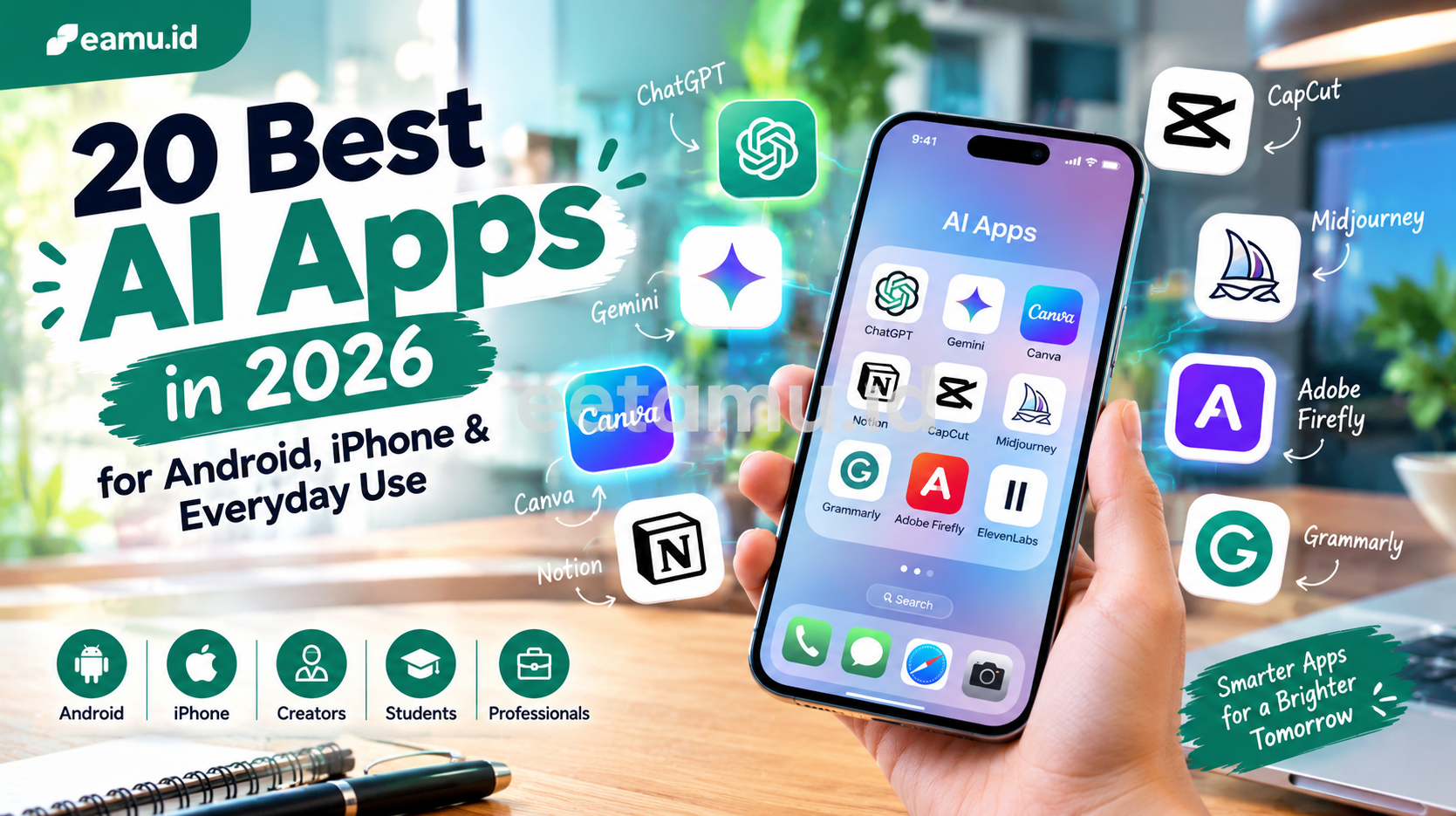
20 Best AI Apps in 2026
There is no single AI app that is perfect for everyone. The best choice depends on what you actually want to accomplish.
A student may need an AI tutor, while a creator may care more about image and video generation. A freelancer may need writing and productivity tools, while an ordinary smartphone user may simply want a smarter assistant.
Here are 20 AI apps worth exploring in 2026.
1. ChatGPT – Best All-Purpose AI App
Best for: Writing, learning, brainstorming, research, productivity, and general assistance.
ChatGPT is one of the most versatile AI apps available on smartphones.
You can use it to brainstorm content ideas, explain difficult subjects, rewrite paragraphs, summarize information, analyze files and images, write code, create plans, and work through everyday questions.
The mobile experience is particularly useful because you can interact with ChatGPT using your phone instead of sitting in front of a computer.
OpenAI currently supports ChatGPT applications on both iOS and Android, with ongoing mobile improvements including voice, file handling, image capabilities, and conversation features.
For creators, one simple workflow could be:
Idea → outline → script → caption → content variations
Instead of opening five different applications, you can use one AI assistant to handle much of the planning stage.
2. Google Gemini – Best AI Assistant for Google Users
Best for: Android users, research, writing, planning, and Google ecosystem integration.
Google Gemini is another major AI assistant designed for everyday smartphone use.
Gemini is particularly interesting for Android users because it can function as a digital assistant. Google also offers a Gemini app for iPhone.
Users can interact with Gemini through text, voice, photos, and camera input. Depending on availability, it can also work with connected Google services such as Gmail, Google Drive, YouTube Music, Maps, and Flights.
This makes Gemini useful for tasks such as:
- Planning a trip
- Understanding a photo
- Brainstorming ideas
- Learning a topic
- Writing messages
- Summarizing information
- Asking questions about documents
Google says the Gemini mobile app is currently available in more than 150 countries, although specific features can vary by country, language, device, and account.
3. Perplexity – Best AI App for Research
Best for: Research, current information, source discovery, and fact checking.
Perplexity takes a different approach from traditional AI chatbots.
It is designed around AI-powered search and research. Instead of giving you only a conversational response, Perplexity searches information and presents answers with citations.
The mobile app is available on both Android and iOS. Perplexity also allows users to upload files and use specialized search modes for deeper research.
This makes it especially useful for students and creators.
For example, instead of searching:
“What are the latest trends in social media marketing?”
You can ask a more specific question and then examine the sources behind the answer.
That makes Perplexity useful during the research stage, although important information should still be verified against the original sources.
Best AI Apps for Android and iPhone
One of the biggest questions users ask is whether an AI app is available on their particular device.
The good news is that many major AI applications now support both major mobile platforms.
4. Microsoft Copilot – Best for Microsoft Users
Best for: Productivity, Microsoft users, work, writing, and information summaries.
Microsoft Copilot brings AI assistance to mobile devices and is available on both iOS and Android. Microsoft describes the mobile experience as a way to continue conversations, summarize information, brainstorm, create content, and work with certain Microsoft resources while away from a desktop.
For professionals already working with Microsoft 365, Copilot can be especially useful.
You can use it to:
- Draft emails
- Summarize information
- Brainstorm ideas
- Ask questions
- Create content
- Continue conversations started elsewhere
However, Microsoft has changed the mobile Copilot experience during 2026, so the exact file and Office capabilities can depend on the application version and license.
5. Meta AI – Best for Everyday Social Users
Best for: Everyday questions, social media users, recommendations, image generation, and casual AI assistance.
Meta AI is available through a dedicated mobile application as well as services such as WhatsApp, Instagram, Messenger, and Facebook.
That integration makes it particularly interesting for people who already spend a lot of time inside Meta’s ecosystem.
Meta says its AI assistant can answer questions, help with reasoning, generate images, assist with coding, and provide recommendations.
For example, creators can use Meta AI while developing social media ideas without necessarily leaving the platforms where they already work.
Best AI Apps for Productivity
AI becomes especially useful when it reduces repetitive work.
Instead of replacing your entire workflow, a good AI productivity app should remove small obstacles that consume time every day.
6. Notion – Best AI Productivity Workspace
Best for: Notes, projects, organization, documentation, and knowledge management.
Notion is already popular as a productivity and workspace application, but its AI capabilities make it even more useful.
The mobile application is available on both iOS and Android, and Notion provides AI features that can be accessed from mobile devices.
You can use Notion to organize:
- Project notes
- Content calendars
- Study notes
- Business ideas
- Task lists
- Research
- Personal knowledge
Notion also introduced AI Notes and mobile AI capabilities during 2026, including AI-assisted transcription, summaries, and action items.
For freelancers and creators, this can make Notion more than just a digital notebook.
7. Otter.ai – Best AI App for Meeting Notes
Best for: Students, meetings, interviews, lectures, and transcription.
Have you ever finished a meeting and realized you forgot half of what was discussed?
Otter.ai is designed to solve exactly that problem.
The application can record and transcribe conversations, helping users create searchable meeting notes and summaries.
Otter provides both iOS and Android mobile applications. Its platform can also work with virtual meetings and automatically generate transcripts and summaries.
Students can potentially use it for lectures and interviews, while professionals can use it for meetings and client discussions.
Best AI Writing Apps
Writing on a smartphone can be frustrating.
Small keyboards, limited screens, and constant notifications are not exactly ideal for producing polished content.
AI writing applications can reduce that friction.
8. Grammarly – Best AI Writing Assistant
Best for: English writing, grammar, emails, captions, and professional communication.
Grammarly provides AI-assisted writing suggestions directly on mobile devices.
Its mobile solution works across iOS and Android and can help with grammar, spelling, punctuation, and writing quality.
This makes it particularly useful for:
- Students writing assignments
- Freelancers communicating with clients
- Professionals writing emails
- Creators writing captions
- Non-native English speakers
The advantage is that Grammarly works inside the mobile writing experience rather than forcing you to copy everything into a separate editor.
9. ELSA Speak – Best AI App for Learning English
Best for: Students, English learners, pronunciation, speaking practice, and interviews.
If your goal is improving spoken English rather than simply writing English, ELSA Speak is worth considering.
ELSA uses AI-powered speech recognition and personalized learning to help users practice pronunciation and conversations.
The application is available for Android and iOS devices.
It can be useful for:
- English pronunciation
- Job interviews
- Presentations
- Everyday conversation
- Vocabulary
- Grammar practice
For students, an AI tutor can also make language practice feel more interactive than simply memorizing vocabulary lists.
Best AI Apps for Image Editing
AI has changed mobile photography significantly.
You no longer need professional desktop software to remove objects, improve portraits, create stylized images, or experiment with new visual concepts.
10. Canva – Best AI Design App
Best for: Social media posts, presentations, thumbnails, posters, and creators.
Canva combines traditional graphic design tools with AI-powered features.
The Canva mobile app is available for both Android and iOS.
For creators, Canva can be useful for producing:
- YouTube thumbnails
- Instagram posts
- TikTok graphics
- Presentations
- Posters
- Advertisements
- Infographics
Its biggest advantage is simplicity.
You do not need to be an experienced designer to create something usable.
11. Adobe Express – Best AI Creative App
Best for: Social media graphics, images, video, branding, and quick design.
Adobe Express brings many Adobe-style creative tools into a more accessible mobile workflow.
Adobe describes the application as an all-in-one tool for creating, editing, and enhancing images, videos, and designs with AI assistance.
The mobile application supports both Android and iOS, although device requirements differ by platform. As of 2026, Adobe lists Android 10+ and iOS 18+ among its mobile requirements.
For creators who want more advanced creative options without opening a full desktop editing suite, Adobe Express can be a useful choice.
12. Remini – Best AI Photo Enhancement App
Best for: Photo enhancement, portraits, old photos, and AI-generated photography.
Remini focuses heavily on improving and transforming photographs.
Its AI tools can help enhance portraits and create different AI-powered photo experiences.
The mobile application is available on both iOS and Android.
It can be useful when you have:
- Low-quality photos
- Old images
- Portraits that need enhancement
- Social media profile photos
- Creative AI photo concepts
13. Lensa AI – Best for AI Portrait Editing
Best for: Selfies, portraits, avatars, and creative photo editing.
Lensa is another mobile-focused AI photo editor.
It provides portrait retouching, filters, background effects, and AI-powered creative features.
The application is available on Android and iOS.
For social media creators, Lensa can be useful when you want to transform an ordinary selfie into a more polished profile image or creative portrait.
14. Picsart – Best AI Photo & Video Editor for Creators
Best for: Photo editing, social content, AI effects, and creative experimentation.
Picsart combines photo editing, video editing, templates, and AI-powered features.
The application is available for mobile users, and its AI tools include features such as AI Try On, which can visualize different outfits on a photo.
This can be particularly interesting for fashion creators, affiliate marketers, and social media users.
Best AI Video Apps
Video has become one of the most important content formats on social platforms.
The good news is that you no longer need a powerful desktop computer to create useful short-form videos.
15. CapCut – Best AI Video Editing App
Best for: TikTok, YouTube Shorts, Instagram Reels, captions, and mobile video editing.
CapCut is one of the most recognizable mobile video editing applications.
Its Android and iOS versions make it easy to edit videos directly from a smartphone.
For creators, CapCut can help with:
- Short-form video editing
- Captions
- Effects
- Templates
- Social media videos
- AI-assisted editing workflows
For someone building a TikTok or Shorts channel, having a capable mobile editor can dramatically simplify production.
16. ElevenLabs – Best AI Voice App
Best for: Voiceovers, narration, social videos, podcasts, and creators.
ElevenLabs brings AI voice generation to mobile devices.
Its official applications are available for iOS and Android, and the company says the mobile apps support dozens of languages and allow users to create expressive voiceovers directly from their phones.
A creator could write a short script, generate a voiceover, export the audio, and then combine it with video in another mobile editor.
This creates a surprisingly powerful smartphone-only production workflow.
Best AI Apps for Students
AI can be particularly useful for students when it is used as a learning assistant rather than simply a shortcut for completing assignments.
17. Photomath – Best AI Math Learning App
Best for: Mathematics, homework, and step-by-step learning.
Photomath is designed for smartphone and tablet users who want help with mathematics.
Instead of manually typing an equation, users can use the app to work with mathematical problems through their device.
The important point is how you use it.
Rather than simply copying the answer, students should focus on understanding the steps used to reach the result.
That turns AI from an answer machine into a learning assistant.
18. Google Lens – Best Visual Search AI
Best for: Identifying objects, translating text, searching from images, and everyday learning.
Google Lens is extremely useful when the information you need is sitting in front of you.
You can use your phone’s camera or an existing photo to identify objects, translate text, copy text, research products, and learn more about places or things.
Imagine finding a plant while traveling and not knowing its name.
Instead of typing a long description into Google, simply point your camera at it.
That is where visual AI becomes genuinely useful.
19. Duolingo Max – Best AI App for Language Learning
Best for: Language learners and conversational practice.
Duolingo has incorporated generative AI into its premium learning experience through features such as Roleplay and Video Call.
The company has described these features as AI-powered ways to provide more interactive conversation practice and personalized feedback.
For students, this type of AI interaction can make language learning feel closer to practicing with a conversational partner.
However, availability of specific AI features can vary by language, plan, and region.
20. Google Search App – Best AI Search Experience
Best for: Everyday questions, visual search, AI search, and finding information quickly.
The Google app remains one of the most useful applications on a smartphone, but AI is changing how users interact with search.
Google’s current mobile experience includes AI-powered features such as AI Mode and Lens, depending on availability and region.
This is important because the future of AI apps may not always look like a chatbot.
Sometimes AI is simply embedded into the applications you already use.
AI Apps for Different Types of Users
Choosing an AI application becomes easier when you start with your actual needs.
For Students
Consider:
- ChatGPT
- Gemini
- Perplexity
- Photomath
- ELSA Speak
- Google Lens
- Duolingo Max
These apps can help with research, explanations, mathematics, language learning, and visual information.
For Content Creators
Consider:
- ChatGPT
- Canva
- Adobe Express
- CapCut
- ElevenLabs
- Remini
- Picsart
Together, these can cover much of a mobile content workflow:
Idea → Script → Design → Voice → Video → Publish
For Professionals
Consider:
- ChatGPT
- Microsoft Copilot
- Gemini
- Notion
- Grammarly
- Otter.ai
These are particularly useful for communication, documentation, meetings, research, and organization.
For Everyday Smartphone Users
Consider:
- Gemini
- ChatGPT
- Meta AI
- Google Lens
- Perplexity
- Google Search
The goal is not to install every AI application available.
The goal is to find the few that genuinely make your daily life easier.
Android vs iPhone: Which Platform Has Better AI Apps?
There is no simple answer.
Both Android and iPhone have access to many major AI applications.
ChatGPT, Gemini, Perplexity, Canva, Adobe Express, CapCut, Grammarly, Notion, ElevenLabs, and several other apps support both platforms.
However, the experience can differ.
Android
Android can have an advantage when AI is deeply integrated with Google’s services and device-level assistant features.
Gemini, for example, can operate as a digital assistant on Android.
iPhone
iPhone users also have access to major AI assistants and creative applications.
Gemini, ChatGPT, Perplexity, Canva, Notion, Adobe Express, and ElevenLabs all provide iOS experiences.
Ultimately, your preferred ecosystem, device hardware, subscription plans, and the apps you already use may matter more than simply choosing Android or iPhone.
How AI Apps Can Improve Everyday Life
The most useful AI apps are often not the most complicated ones.
Consider a normal day.
You receive a long email.
AI can summarize it.
You need to reply.
AI can help draft the response.
You attend a meeting.
AI can transcribe and summarize it.
You take a photo of a document.
AI can extract and explain the information.
You need a social media post.
AI can help write the caption.
You have an ordinary photo.
AI can improve or transform it.
You want to make a video.
AI can help with the script, voiceover, editing, and visuals.
This is where AI becomes genuinely practical.
It is not necessarily about doing spectacular things.
It is about making small tasks easier, faster, and more accessible.
Tips for Choosing the Right AI App
Before installing an AI application, ask yourself five questions.
1. What problem does it solve?
Do not install an app just because it is trending.
Ask:
“What will this app help me do?”
If you cannot answer that question, you probably do not need it yet.
2. Is it available on my device?
Check whether the application supports Android, iOS, or both.
Also check minimum operating-system requirements.
For example, Adobe Express currently lists Android 10+ and iOS 18+ as mobile requirements.
3. Is the free version enough?
Many AI apps provide free access but place limits on usage, advanced models, exports, or premium features.
Try the free version first if possible.
4. How does it handle your data?
Think carefully before uploading:
- Private documents
- Client information
- Personal identification
- Business strategies
- Confidential files
- Sensitive photographs
Always review the application’s privacy information.
5. Does it actually save time?
This is perhaps the most important question.
An AI app is useful when it reduces effort or improves the result.
If it creates more work than it removes, it may not belong in your workflow.
Related AI and Technology Articles on etamu.id
If you want to explore AI beyond smartphone applications, check out our related guide:
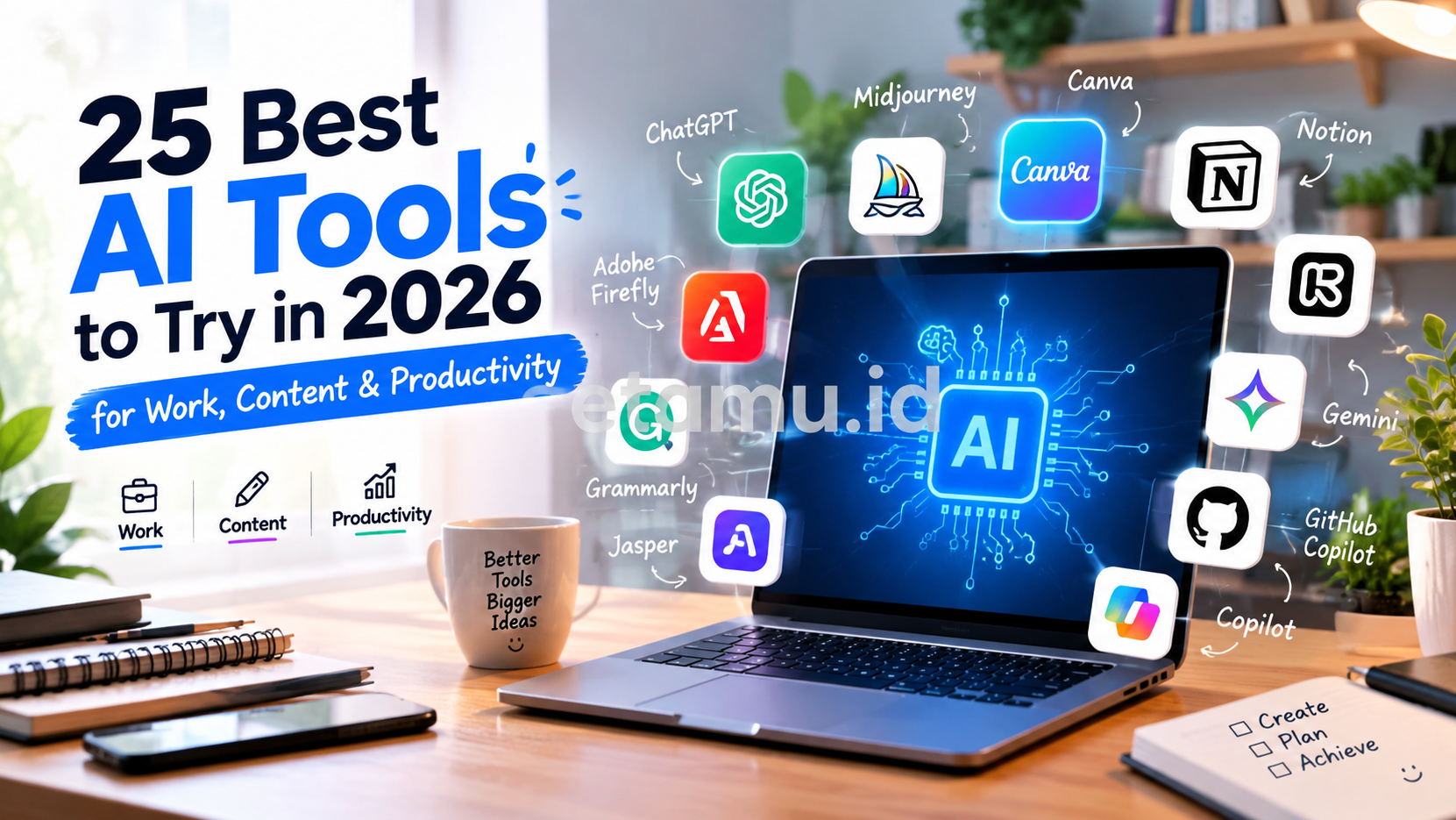
Best AI Tools in 2026: AI Tools for Work, Content & Productivity
You can also explore other interesting visual and lifestyle content on etamu.id:
These internal links also help readers discover other topics across the site while keeping the AI article connected to the wider etamu.id content ecosystem.
Frequently Asked Questions About AI Apps
What is the best AI app in 2026?
There is no single best AI app for every user. ChatGPT, Gemini, and Perplexity are strong general-purpose options, while applications such as Canva, CapCut, ElevenLabs, Photomath, and ELSA Speak focus on specific needs.
What is the best AI app for Android?
Android users can choose from many major AI applications, including ChatGPT, Gemini, Perplexity, Microsoft Copilot, Meta AI, Canva, CapCut, Notion, and others. Gemini has particularly deep integration with Android because it can function as a digital assistant on supported devices.
What is the best AI app for iPhone?
iPhone users have access to ChatGPT, Gemini, Perplexity, Microsoft Copilot, Canva, Adobe Express, Notion, ElevenLabs, Grammarly, and many other AI applications.
The best choice depends on whether your priority is writing, research, productivity, image editing, video, or learning.
Are AI apps free?
Some AI apps offer free versions, while others use subscriptions or in-app purchases.
Free plans may have limitations on the number of prompts, generations, storage, advanced models, or other features.
Always check the current pricing before subscribing.
Which AI app is best for students?
Students may benefit from a combination of tools rather than a single application.
ChatGPT and Gemini can help explain concepts, Perplexity can assist with research, Photomath can help with mathematics, and ELSA Speak can support English learning.
Which AI app is best for content creators?
Creators may find ChatGPT useful for ideas and scripts, Canva for design, CapCut for video editing, ElevenLabs for voiceovers, and Remini or Picsart for image-related workflows.
Can AI apps work offline?
Some AI applications provide limited offline functionality, but many advanced AI features require an internet connection because the processing happens on remote servers.
Check the specific application’s requirements before relying on it while traveling or working without internet access.
Are AI apps safe to use?
AI apps can be useful, but safety depends on how you use them and how the developer handles data.
Avoid uploading sensitive information unless you understand the application’s privacy and data policies.
Can AI apps replace teachers or professionals?
AI can support learning and productivity, but it should not automatically replace human expertise.
Students still need to understand what they are learning, creators still need creative judgment, and professionals still need to verify important information.
Final Thoughts
The smartphone is becoming much more than a communication device.
With the right AI apps, it can become a personal research assistant, writing partner, study tutor, photo editor, video studio, productivity system, language coach, and creative workstation.
The key is not to download every AI application you find.
Instead, start with your biggest need.
If you are a student, choose apps that help you understand information and practice skills.
If you are a creator, build a simple workflow around writing, images, video, and audio.
If you are a professional, focus on communication, productivity, meetings, and research.
And if you are simply looking for an easier everyday experience, start with a general AI assistant such as ChatGPT, Gemini, or Meta AI.
The AI app landscape will continue changing quickly. New models, features, integrations, and mobile applications will appear throughout 2026 and beyond.
That means the most valuable skill is not knowing every AI app.
It is knowing how to recognize which tool can solve your problem.
Start with one app. Learn what it can do. Build it into your routine. Then add another tool only when you have a clear reason.
For more practical guides about AI apps, AI tools, technology, productivity, and useful applications, keep exploring etamu.id.

- Privacy Glass Your Guide to Security & Style - October 15, 2026
- Folding Glass Wall A Versatile Design Solution - October 12, 2026
- Smart Lighting System Smarter Homes, Smarter Living - October 9, 2026