Artificial intelligence is no longer something reserved for developers, researchers, or large technology companies. In 2026, AI tools have become part of everyday digital work. Creators use AI to develop ideas and produce videos, marketers use it to research audiences and create campaigns, students use it to understand complicated topics, while professionals use AI to automate repetitive tasks and work with information faster.
The interesting part is that you do not need dozens of expensive applications to benefit from AI. The real challenge is choosing the right tools for the right job.
According to McKinsey’s 2025 global survey, 88% of respondents said their organizations regularly use AI in at least one business function. However, most organizations were still experimenting or piloting AI rather than scaling it throughout the enterprise.
This shows an important reality: having access to AI is not the same as knowing how to use it effectively.
This guide explores 25 of the best AI tools to try in 2026, covering writing, research, productivity, design, video, marketing, automation, coding, and business. The goal is not to tell you that one tool is universally better than another, but to help you understand which type of AI tool fits your workflow.
What Are AI Tools?
AI tools are software applications that use artificial intelligence to perform tasks that traditionally require human effort.
Depending on the application, an AI tool may be able to:
- Generate or rewrite text
- Summarize long documents
- Answer questions
- Analyze information
- Create images
- Generate videos
- Produce or edit audio
- Write computer code
- Automate repetitive tasks
- Organize information
- Assist with marketing
- Research topics
- Analyze business data
Many modern AI tools are powered by large language models (LLMs), multimodal models, image-generation systems, speech models, or AI agents.
The technology is also becoming cheaper and more accessible. Stanford’s 2025 AI Index reported that the cost of querying an AI model at a GPT-3.5-level performance threshold fell from $20 per million tokens in November 2022 to $0.07 by October 2024.
That dramatic change helps explain why AI applications are appearing in so many areas.
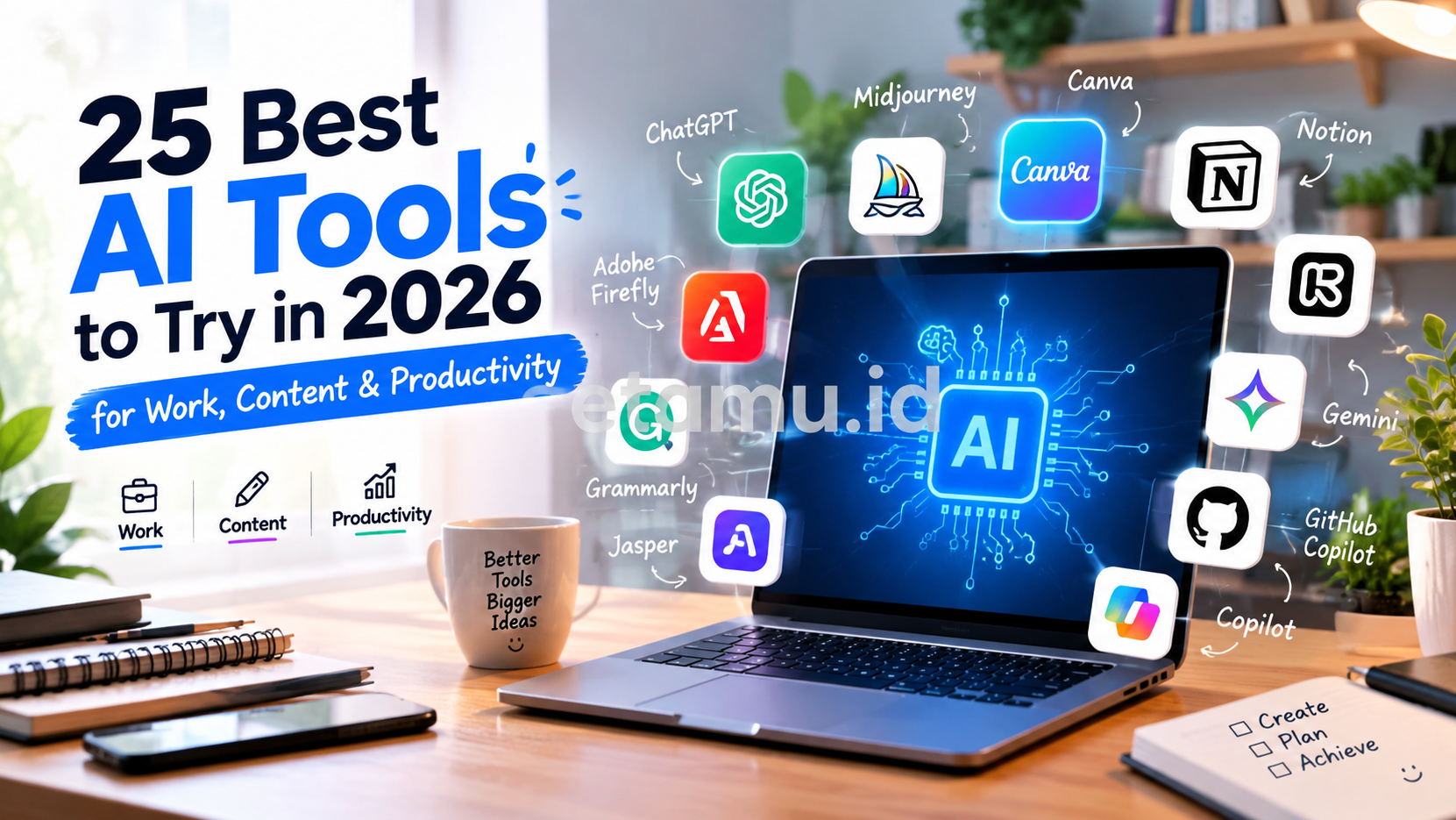
25 Best AI Tools to Try in 2026
There is no single AI tool that is perfect for everyone. A student researching a thesis has different needs from a YouTube creator, SEO writer, freelancer, or business owner.
Here are 25 tools worth exploring.
1. ChatGPT
ChatGPT is one of the most versatile general-purpose AI assistants available.
It can help users brainstorm ideas, write drafts, summarize information, analyze files, generate code, create structured plans, and work through complex problems.
For creators and freelancers, it can become a daily brainstorming partner. Marketers can use it for campaign concepts, content outlines, audience research, and copy variations.
Best for: Writing, brainstorming, research assistance, coding, planning, and general productivity.
2. Claude
Claude is an AI assistant developed by Anthropic and is particularly useful for working with long-form information.
It can help analyze documents, improve writing, summarize complex material, brainstorm ideas, and assist with coding and professional tasks.
For writers and professionals who frequently work with lengthy documents, an AI assistant that can understand substantial amounts of context can be particularly useful.
Best for: Long-form writing, document analysis, research, coding, and professional workflows.
3. Google Gemini
Google Gemini is Google’s AI ecosystem for conversational assistance, research, writing, reasoning, and productivity.
Its integration with Google’s broader ecosystem makes it interesting for people already working with services such as Gmail, Google Docs, Drive, and other Workspace products.
Gemini can be useful for students, professionals, researchers, and marketers who want AI assistance alongside their existing Google workflow.
Best for: Research, writing, brainstorming, Google ecosystem workflows, and productivity.
4. Perplexity
Perplexity approaches AI search differently from a traditional chatbot.
Instead of simply generating an answer, it is designed around web research and cited information. This makes it useful when you want to investigate a topic and quickly identify supporting sources.
For content creators and marketers, it can be useful during the research stage before writing an article or campaign.
Best for: Web research, fact discovery, source exploration, and current information.
5. Gemini Notebook
One important AI tool change in 2026 is Google’s renaming of NotebookLM to Gemini Notebook. Google announced the new name in July 2026 while continuing the product’s focus on research and learning.
Gemini Notebook is designed around your own sources. You can work with documents, PDFs, websites, YouTube videos, audio files, Google Docs, and other materials.
It can summarize information, answer questions based on your sources, identify connections, and generate learning-oriented outputs. Google also highlights citations that allow users to verify answers against source material.
Best for: Students, researchers, document analysis, learning, and knowledge management.
AI Tools for Content Creation
AI has become especially valuable for people who publish content regularly.
Instead of treating AI as a replacement for creativity, creators can use it to speed up repetitive parts of the creative process while keeping human judgment in control.
6. Canva AI
Canva is widely used for presentations, social media graphics, thumbnails, posters, and marketing materials.
Its AI features make it easier to turn ideas into visual content without requiring advanced graphic-design skills.
For a small business owner or content creator, this can reduce the time required to move from an idea to a usable design.
Best for: Social media graphics, presentations, thumbnails, marketing visuals, and simple design.
7. Adobe Firefly
Adobe Firefly is designed for generative creative work across images, video, audio, and design.
Adobe’s current Firefly platform provides access to multiple AI models and creative workflows in one environment.
This makes Firefly particularly interesting for designers, video creators, marketers, and professionals already working within the Adobe ecosystem.
Best for: AI images, creative editing, video, audio, and design workflows.
8. Midjourney
Midjourney is an AI-focused creative platform known for image generation.
It can be useful for visual concept development, mood boards, artistic experimentation, campaign concepts, and creative exploration.
Rather than using it only to produce a final image, creators can use it during the ideation stage.
Best for: AI art, visual concepts, creative experimentation, and image generation.
9. Runway
Runway focuses heavily on AI-powered video and creative production.
Its current platform combines image, video, audio, editing, and AI models in a single creative environment. Runway also offers AI video editing features that allow users to describe edits using natural language.
For creators producing short-form videos, advertising concepts, cinematic sequences, or social content, this type of workflow can significantly reduce production friction.
Best for: AI video generation, video editing, visual effects, and creative production.
10. ElevenLabs
ElevenLabs is known for AI-powered voice and audio technology.
Creators can use AI voices for narration, educational content, videos, podcasts, prototypes, and other projects where voice production is required.
The biggest advantage is convenience: creators can produce voice content without recording every line themselves.
Best for: Voiceovers, narration, audio content, and voice-based creative workflows.
11. Descript
Descript combines text-based editing with audio and video workflows.
Instead of thinking about video editing entirely through a traditional timeline, creators can work with transcribed text and make changes through the transcript.
This can be particularly useful for podcasters, YouTubers, educators, and social-media creators.
Best for: Podcasts, video editing, transcription, screen recordings, and content repurposing.
12. CapCut
CapCut has become popular among short-form video creators because it combines video editing with AI-assisted creative features.
It can help with captions, effects, templates, editing, and social-video production.
For TikTok, Instagram Reels, and YouTube Shorts creators, the main benefit is having many creation features inside one relatively accessible workflow.
Best for: Short-form video, social media content, captions, and mobile editing.
AI Tools for Productivity
AI productivity tools are not simply about writing faster. The bigger opportunity is reducing the number of repetitive steps between information and action.
13. Notion AI
Notion AI brings artificial intelligence into a workspace for notes, documents, databases, and project information.
It can help summarize notes, generate drafts, organize information, and transform rough ideas into structured content.
For freelancers and small teams, combining documentation and AI assistance in the same workspace can reduce context switching.
Best for: Notes, documentation, project management, knowledge bases, and writing.
14. Grammarly
Grammarly uses AI to help users improve writing clarity, tone, grammar, and style.
It is particularly useful for professionals who communicate frequently through email, documents, proposals, and online content.
For non-native English writers, it can also serve as an additional editing layer before publishing.
Best for: Editing, grammar, professional communication, and English writing.
15. Otter.ai
Otter.ai focuses on meeting transcription and conversation intelligence.
Instead of trying to write everything down during a meeting, users can use AI transcription to create searchable records and summaries.
This can be useful for meetings, interviews, lectures, research, and client conversations.
Best for: Meeting notes, transcription, interviews, and summaries.
16. ClickUp AI
ClickUp combines project management with AI features.
The concept is useful for teams that want AI assistance inside project workflows rather than in a completely separate application.
AI can assist with writing, summarization, task-related work, and project information.
Best for: Project management, team productivity, task organization, and documentation.
17. Reclaim AI
Reclaim is designed around intelligent scheduling and calendar management.
For busy professionals, the problem is often not creating a to-do list but finding enough time to actually complete it.
AI scheduling tools attempt to connect tasks, meetings, habits, and available time.
Best for: Calendar management, time blocking, scheduling, and personal productivity.
AI Tools for Business and Marketing
AI adoption is expanding across business functions. McKinsey’s 2025 survey found that organizations most frequently reported generative AI use in areas such as marketing and sales, product and service development, service operations, and software engineering.
That makes business-focused AI tools particularly relevant for modern marketers and entrepreneurs.
18. Jasper
Jasper is focused strongly on marketing and brand content.
Its platform can connect with existing business systems and use brand knowledge to help teams create and optimize content. Jasper also provides integrations with tools such as Google Drive, SharePoint, Slack, Webflow, Google Docs, and Zapier.
Best for: Marketing teams, brand content, campaign production, and content operations.
19. Copy.ai
Copy.ai focuses on AI-assisted content and go-to-market workflows.
It can be useful for marketing teams that need to generate variations of copy, organize content workflows, and accelerate repetitive marketing tasks.
Best for: Marketing copy, sales content, campaigns, and go-to-market workflows.
20. HubSpot AI
HubSpot integrates AI capabilities into a broader CRM and marketing ecosystem.
For businesses already using CRM software, having AI inside the same environment can help connect content, customer information, sales activities, and marketing workflows.
Best for: CRM, marketing, sales, customer operations, and business workflows.
21. Zapier AI
Zapier is especially useful when the goal is automation.
Instead of manually transferring information between applications, automation platforms can connect different services and trigger actions based on specific events.
For example, a content workflow could involve collecting form submissions, storing information in a spreadsheet, notifying a team member, and generating an AI-assisted draft.
Best for: Automation, integrations, repetitive workflows, and business processes.
22. Microsoft Copilot
Microsoft Copilot is Microsoft’s AI assistant ecosystem, increasingly integrated into Microsoft productivity products.
In September 2026, Microsoft announced updates to Copilot that included expanded coding capabilities, integration with Word, Excel, and PowerPoint, and an agentic “Autopilot” feature for more automated workflows.
For businesses already using Microsoft 365, this integration can be particularly relevant.
Best for: Microsoft 365 users, office productivity, document work, spreadsheets, presentations, and enterprise workflows.
AI Tools for Coding and Development
AI coding tools have become another major category.
Stanford’s 2025 AI Index reported substantial improvements in AI coding benchmark performance, although it also showed that difficult coding benchmarks still leave significant room for improvement.
23. GitHub Copilot
GitHub Copilot is designed to assist developers while writing and maintaining software.
It can help generate code, explain existing code, suggest implementations, and accelerate routine development work.
For developers, the value is often not that AI writes an entire application automatically, but that it reduces repetitive coding and makes experimentation faster.
Best for: Software development, code generation, debugging, and learning programming.
24. Cursor
Cursor is an AI-focused coding environment designed to help developers work with codebases using natural-language interaction.
It can be useful when developers want to understand existing projects, make changes across multiple files, or ask an AI assistant to reason about implementation details.
Best for: AI-assisted programming, codebase exploration, refactoring, and development.
25. Gamma
Gamma is designed to help users create presentations and other visual documents with AI assistance.
Instead of starting with a blank slide, users can begin with a topic or outline and let AI help structure the presentation.
For students, consultants, marketers, and professionals who frequently create presentations, this can save significant preparation time.
Best for: Presentations, visual documents, pitches, reports, and educational material.
Free AI Tools: What Can You Use Without Paying?
One of the biggest advantages of the AI ecosystem in 2026 is the availability of free or free-entry options.
However, “free AI tool” does not always mean unlimited access.
Free plans commonly have restrictions such as:
- Daily message limits
- Limited image generations
- Lower usage priority
- Restricted premium models
- Watermarks
- Limited storage
- Fewer automation features
- Limited export options
Therefore, check the current pricing page before choosing a tool for professional work.
For beginners, a practical free AI stack might include:
- A general AI assistant such as ChatGPT, Claude, or Gemini
- A research assistant such as Perplexity or Gemini Notebook
- Canva for visual content
- CapCut for short-form video
- A productivity workspace such as Notion
- An automation platform such as Zapier
You do not need all of them at once.
Start with the tools that solve the biggest problems in your existing workflow.
How to Choose the Right AI Tool
With hundreds of AI applications available, choosing software based only on popularity can lead to unnecessary subscriptions.
Instead, ask these questions.
1. What problem are you trying to solve?
Do not start with:
“Which AI tool is the best?”
Start with:
“What task takes too much time?”
For example:
- Writing articles → AI writing assistant
- Researching → AI search or research tool
- Creating videos → AI video platform
- Designing thumbnails → AI design tool
- Scheduling → AI calendar assistant
- Automating repetitive work → workflow automation
- Programming → AI coding assistant
2. How often will you use it?
A tool used every day can justify a paid subscription more easily than an application you only use once a month.
Calculate the practical value.
If an AI tool saves you 30 minutes every workday, that is approximately 10 hours per month.
The question then becomes whether the subscription cost is reasonable compared with the value of those saved hours.
3. Does it fit your existing workflow?
Integration matters.
An AI tool may have impressive features but become frustrating if you constantly need to export files, copy information, or move between applications.
Look for tools that integrate with software you already use.
4. Can you verify its output?
AI-generated information should not automatically be treated as accurate.
For research, education, finance, business decisions, and professional content, verification remains important.
Tools that provide source citations or allow you to work from your own documents can be particularly helpful.
Google’s Gemini Notebook, for example, is explicitly designed to ground responses in uploaded sources and provide citations for verification.
5. What happens to your data?
Before uploading confidential documents, customer information, unpublished business plans, or sensitive data, review the provider’s privacy and data-use policies.
This is especially important for freelancers and companies handling client information.
AI Is Also Changing Creative Workflows
The impact of AI is not limited to text generation.
A modern creator workflow might look like this:
Research → Ideation → Script → Image → Video → Voice → Editing → Publishing → Analytics
AI can now participate in nearly every stage.
For example:
Research
Use Perplexity or Gemini Notebook to investigate a topic.
↓
Ideation
Use ChatGPT or Claude to develop content angles.
↓
Writing
Create an outline and first draft with an AI writing assistant.
↓
Visuals
Use Canva, Adobe Firefly, or Midjourney for visual concepts.
↓
Video
Use Runway or another AI video tool for footage and creative experimentation.
↓
Voice
Use an AI voice platform for narration.
↓
Editing
Use Descript or CapCut to assemble the final content.
↓
Publishing
Use automation tools to distribute or organize the workflow.
The important point is that AI does not have to replace the creator. It can become a layer inside the creator’s existing process.
Should You Use Multiple AI Tools?
Yes, but carefully.
Using ten AI applications simply because they are popular can make your workflow more complicated rather than more productive.
A better approach is to build an AI stack.
For example:
Creator AI Stack
- ChatGPT → Ideas and scripts
- Midjourney → Images
- Runway → Video
- ElevenLabs → Voice
- CapCut → Editing
Student AI Stack
- Gemini → General assistance
- Gemini Notebook → Research
- Grammarly → Writing improvement
- Perplexity → Source discovery
Freelancer AI Stack
- ChatGPT → Research and writing
- Canva → Design
- Notion AI → Project documentation
- Zapier → Automation
- Grammarly → Editing
Marketing AI Stack
- ChatGPT → Strategy and ideation
- Jasper → Brand content
- Canva → Creative assets
- HubSpot AI → CRM workflows
- Zapier → Automation
The ideal stack depends on your actual workflow, budget, and privacy requirements.
AI Tools and the Future of Productivity
The AI industry is moving from simple chatbots toward systems that can perform multiple steps.
McKinsey reported in 2025 that 62% of surveyed organizations were at least experimenting with AI agents, although most organizations were still in the experimentation or pilot stage.
This shift matters because the next generation of AI tools is increasingly focused on actions, not just answers.
Instead of asking an AI:
“Write me a marketing plan.”
A future workflow may look more like:
Research the market → identify opportunities → create a campaign plan → prepare content → organize assets → schedule tasks → report results.
That is a very different productivity model.
At the same time, human oversight remains important. AI systems can make factual errors, misunderstand context, generate inappropriate content, or produce technically plausible but incorrect results.
The best approach is therefore not “AI does everything.”
It is:
Human direction + AI assistance + human verification.
Related Articles on etamu.id
If you are interested in technology, creativity, and digital lifestyle topics, you may also enjoy these related articles from etamu.id:
- Spanish Colonial Dining Design: Ideas for a Warm and Timeless Interior
- Japanese Modern Dining Space: Minimalist Ideas for a Stylish Home
- French Country Dining Room: Elegant and Cozy Design Ideas
These articles can also be useful examples of how digital content can combine information, visual inspiration, and practical ideas.
Frequently Asked Questions About AI Tools
What are the best AI tools in 2026?
The answer depends on your use case. General-purpose assistants such as ChatGPT, Claude, and Gemini can handle many tasks, while specialized tools such as Runway, Adobe Firefly, GitHub Copilot, and Gemini Notebook are designed around specific workflows.
What is the best AI tool for content creators?
Content creators may benefit from combining several tools. A general AI assistant can help with research and scripts, Canva or Firefly can help with visuals, Runway can assist with video production, and CapCut or Descript can help with editing.
Are AI tools free?
Many AI tools offer free access or free trials, but the available features and usage limits vary. Paid plans often provide higher limits, more advanced models, or additional professional features.
Can AI tools replace human writers?
AI can automate parts of writing, but it does not eliminate the need for human judgment. Research quality, originality, context, fact-checking, brand voice, and editorial decisions still benefit from human involvement.
Which AI tool is best for students?
Students may find research-oriented tools particularly useful. Gemini Notebook, formerly NotebookLM, is designed to work with users’ own sources and can generate source-grounded summaries and other learning materials.
Which AI tools are useful for marketers?
Marketing teams can explore ChatGPT, Jasper, Copy.ai, HubSpot AI, Canva, and Zapier. The right combination depends on whether the main requirement is content creation, CRM, campaign management, design, or automation.
Are AI-generated results always accurate?
No. AI-generated content can contain errors, outdated information, or unsupported claims. Important information should be checked against reliable sources, particularly when the content involves academic, financial, legal, medical, or business decisions.
How many AI tools should I use?
There is no ideal number. Start with two or three tools that solve clear problems in your workflow. Add another tool only when it provides a meaningful benefit.
Final Thoughts: Build an AI Workflow, Not Just an AI Toolbox
The biggest mistake people can make with AI is collecting tools without developing a workflow.
You can have access to dozens of AI applications and still be unproductive if you do not know what you want them to accomplish.
Instead, begin with your goals.
If you are a creator, focus on research, scripting, visuals, video, audio, and publishing.
If you are a freelancer, focus on client communication, productivity, writing, proposals, and automation.
If you are a marketer, focus on research, content production, campaign workflows, analytics, and customer information.
If you are a student, focus on research, learning, summarization, writing, and organization.
If you are a professional, focus on repetitive work, documents, meetings, communication, data, and decision support.
AI is becoming more capable, cheaper to access, and increasingly integrated into everyday software. Stanford’s AI Index has documented major improvements in AI capabilities and significant reductions in inference costs, while McKinsey’s research shows that organizational adoption continues to expand.
But the technology itself is only part of the equation.
The real advantage comes from knowing where AI fits into your workflow—and where human judgment still matters most.
Start small. Choose one problem. Test one tool. Measure the result. Then build from there.
Keep following etamu.id for more guides on AI tools, apps, productivity, technology, and practical digital workflows.

- Pivot Glass Doors A Stylish Choice - October 13, 2026
- Mountain Modern Cabin A Stylish Retreat - October 6, 2026
- Modern Loft House A Stylish Home - October 6, 2026